

Where it helps
A tracker helps a department handle requests consistently when an inbox or chat thread cannot show who owns the next decision. It makes status and decision history visible to the people reviewing the work.
How the work takes shape
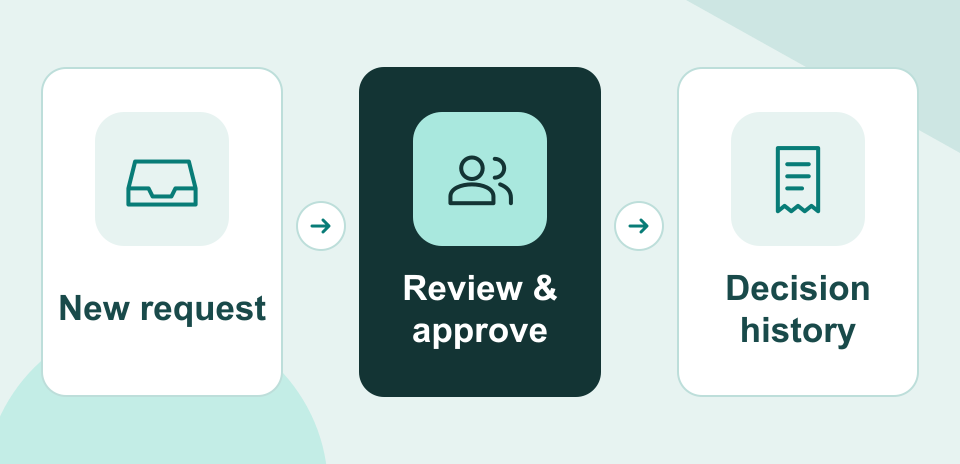
NexSar configures the request form, status board, reviewers, and notifications in the chosen workspace. Approval steps follow the department’s decision criteria.
Example engagement
An internal communications team could route requests for new materials through an initial brief review and a second decision from the assigned approver.