

Where it helps
A configured pipeline gives a sales team a common way to record opportunities and discuss what should happen next. It fits teams that can describe their stages and update responsibilities.
How the work takes shape
NexSar builds the agreed stages, fields, and reporting view, then imports the authorized records and checks a sample. The handoff gives the CRM owner a reference for the resulting setup.
Example engagement
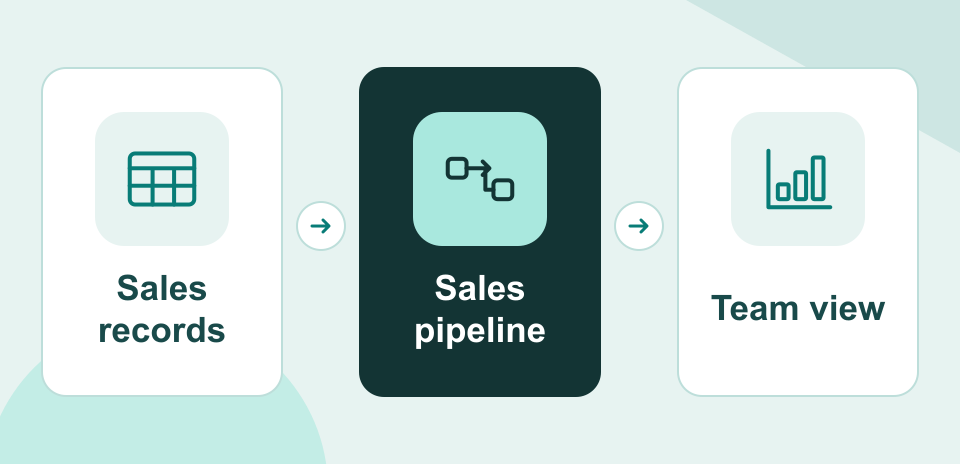
A sales team moving from a spreadsheet could bring its open opportunities into a single pipeline and use a shared view to review deals by stage.