

Where it helps
A client portal gives project participants one place to check progress and find approved resources. It helps when updates are spread across email threads or when different participants need different levels of access.
How the work takes shape
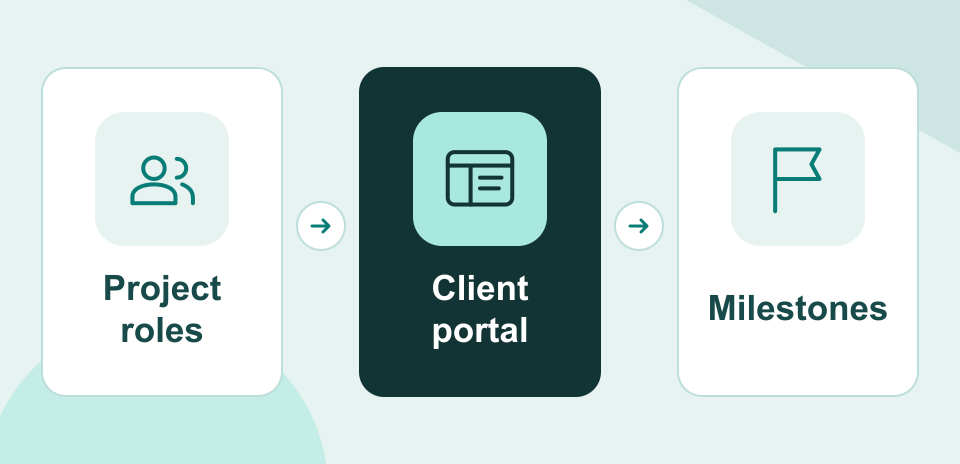
NexSar configures one project structure in the client’s platform, models the agreed roles, and verifies which resources each role can reach. An administrator guide supports handoff.
Example engagement
A project team could share milestone updates and approved documents with a customer while keeping its own working material in the appropriate internal areas.